

Presets vs. LUTs: Which Editing Tool Do You Actually Need?
Every creator eventually runs into a product page that assumes they already know the vocabulary.
Presets. LUTs. Profiles. Color grades. RAW workflows. Rec. 709. Creative looks. Cinematic packs. Editing tools with names that sound less like photography and more like equipment issued to a space agency.
If you are new to editing, it can feel like everyone else received a manual you missed.
The simplest explanation is this: presets are built for photographs, and LUTs are built for video.
That is the cleanest starting point. Lightroom presets adjust multiple editing settings in a photo workflow. LUTs remap color for video footage inside editing software. Both can help create a consistent visual style. Both can save time. Both can be overused badly by people with too much confidence and not enough restraint.
The right tool depends on what you create.
If you only photograph, presets are probably enough. If you only film, LUTs are the right lane. If you create both, using matching preset and LUT collections can help your visuals feel connected across every platform where your audience sees your work.
What Lightroom Presets Actually Do
A Lightroom preset is a saved collection of editing adjustments.
Depending on the preset, it may affect exposure, contrast, tone curves, color mix, white balance, calibration, sharpening, grain, profiles, and other settings. When you apply it to a photo, Lightroom moves those settings for you so the image starts from a particular visual direction.
That does not mean the photo is finished.
A preset is a starting point, not a personality transplant.
You still need to adjust exposure, white balance, skin tones, highlights, shadows, and details based on the actual image. A preset that looks great on a bright outdoor portrait may need adjustment on a backlit ceremony photo or a low-light reception image. That is normal. The preset gives you the base look; your eye finishes the work.
Presets are especially useful for photographers who want consistency across a gallery or portfolio. Wedding photographers need hundreds of images to belong together. Outdoor photographers need natural color to feel connected across changing seasons. Travel photographers need a visual thread between different locations. Portrait photographers need skin tones to stay human, which seems like a modest request but apparently still needs to be said.
A good preset speeds up the path to consistency without removing judgment from the edit.
What LUTs Actually Do
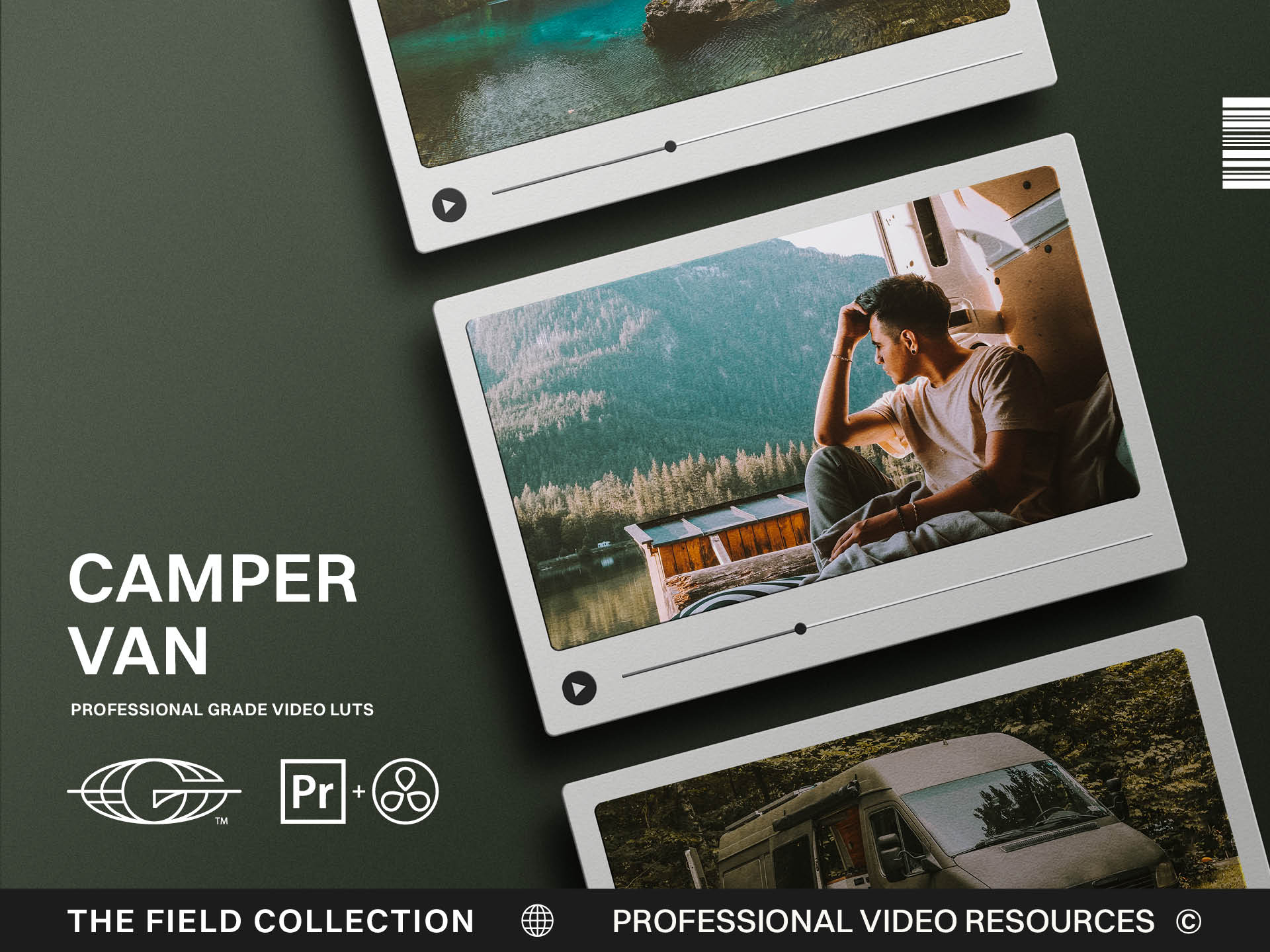
A LUT, or look-up table, is a color transformation used in video workflows.
Instead of adjusting every individual slider inside Lightroom, a LUT remaps colors and tones from one value to another. In practical terms, it changes how footage looks when applied inside video editing or color grading software.
LUTs are common in filmmaking because video color needs a repeatable way to move from a neutral or flat image into a finished visual direction. Some LUTs are corrective, helping footage move into a standard color space. Others are creative, adding mood, contrast, warmth, color separation, or a film-like feel.
For creators, LUTs are helpful because video often needs consistency across clips, lighting conditions, scenes, and platforms. A YouTube video, short film, wedding film, brand video, or travel reel can feel disjointed if the color changes wildly from shot to shot.
A LUT can help create a cohesive look, but it still needs careful adjustment.
If the exposure is wrong, the white balance is off, or the footage was shot poorly, a LUT will not perform miracles. It may actually make the problems louder. Applying a cinematic LUT to bad footage can be like putting a leather jacket on a raccoon. More dramatic, yes. Better? Debatable.
LUTs need good footage and a human eye.
When Presets Are Enough
If your work is entirely photo-based, start with presets.
You do not need LUTs just because they sound more cinematic. A photographer editing in Lightroom needs tools built for that environment. Presets give you more direct control over the photo editing settings that matter most for still images.
They are a strong fit for portrait photography, weddings, landscapes, travel, street photography, seasonal editing, film-inspired looks, and any photo workflow where consistency matters.
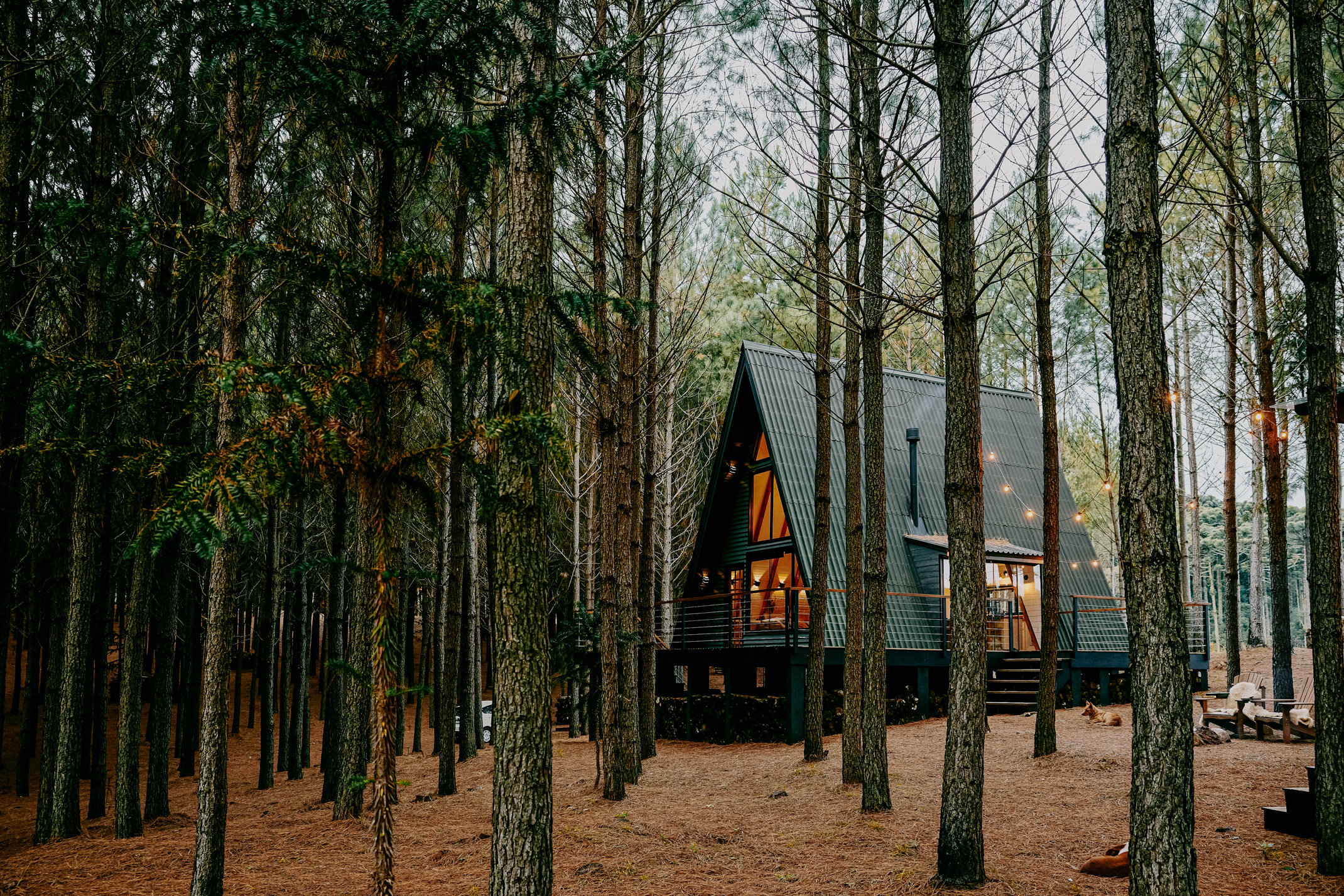
The key is choosing presets that match the kind of work you shoot. A wedding photographer may need clean and natural tones, skin protection, and reliable performance in changing light. An outdoor photographer may need rich but believable greens, sky protection, mountain depth, and warmth that does not turn the world into nacho cheese. A street photographer may want stronger contrast, atmosphere, and urban grit.
If your final product is a photograph, a gallery, a portfolio, a print, a website image, or social content built from stills, presets are the right tool.
They will help you move faster while preserving the ability to fine-tune each frame.
When LUTs Are the Better Tool
If your work is video-based, use LUTs.
This applies to filmmakers, videographers, YouTubers, wedding filmmakers, brand storytellers, commercial creators, and anyone trying to create a cohesive color grade across moving images. Video has different needs than still photography. Clips need to match each other. Skin tones need to hold across movement and changing light. Shadows, highlights, and color separation need to feel consistent over time.
A LUT gives the footage a shared visual direction.
That is especially useful when footage comes from different cameras or locations. It can help your video feel more intentional and polished, assuming the source footage is exposed and balanced well enough to support the grade.
The important thing is not to mistake a LUT for a finished grade. You still need to correct the footage first. Exposure, white balance, and basic contrast should be handled before the creative look does its work. Otherwise the LUT is correcting and styling at the same time, which is usually how footage ends up looking like it has been personally victimized.
Use LUTs when the medium is video and the goal is a consistent moving image.
When You Need Both
More creators are hybrid now.
They shoot photos and video on the same trip, for the same client, during the same wedding, or inside the same brand campaign. A photographer may deliver stills and short reels. A filmmaker may need thumbnails, still frames, website imagery, and social posts. A product creator may build photo assets and launch videos around the same visual identity.
This is where matching presets and LUTs become valuable.
Your audience should not feel like they are looking at two different brands depending on the medium. The photo gallery is warm and natural, but the video is teal, orange, and suspiciously haunted. The stills are clean and bright, but the reel looks like it was graded during a thunderstorm of emotion.
Consistency across photo and video creates trust.
That does not mean every frame should be identical. Photos and video respond differently. The tools work differently. The final outputs have different needs. But the emotional experience should feel connected.
If you create both, choose preset and LUT collections built with the same visual philosophy. That lets your work carry a shared color language across galleries, films, websites, reels, YouTube, and product pages.
Choose the Tool Based on the Workflow
Do not choose presets or LUTs because one sounds more professional.
Choose based on workflow.
Are you editing RAW photos in Lightroom? Use presets. Are you grading video footage in editing software? Use LUTs. Are you doing both and trying to build a consistent visual brand? Use both, ideally from collections designed to belong together.
The tool should support the work, not confuse it.
Presets and LUTs are both there to help creators move faster, create stronger visuals, and build more consistency. But neither one replaces good capture, taste, lighting, composition, or the judgment to know when an edit has gone too far.
The best editing tools help you get to the right starting point sooner.
Then you still have to finish the image or footage like a person who cares.
That is the real work.
Let the Tool Do the Right Job
The simplest way to avoid confusion is to stop asking one tool to do the work of another. Presets belong where still images are being shaped. LUTs belong where moving footage needs a color direction. When each tool is used inside the workflow it was built for, the whole process gets calmer. You make fewer strange technical compromises and more intentional visual decisions.